

Republication note: Republished with the author’s permission from Xudong Guo’s original post on X, published 26 August 2026. The configuration, judgements, and experience are the author’s own. Translated into English by Nowledge Labs from the Chinese original, which is also published here. The architecture diagram is redrawn from the author’s own, so its labels are page text rather than pixels in an image. Full author bio at the end.
First, why I need Nowledge Mem
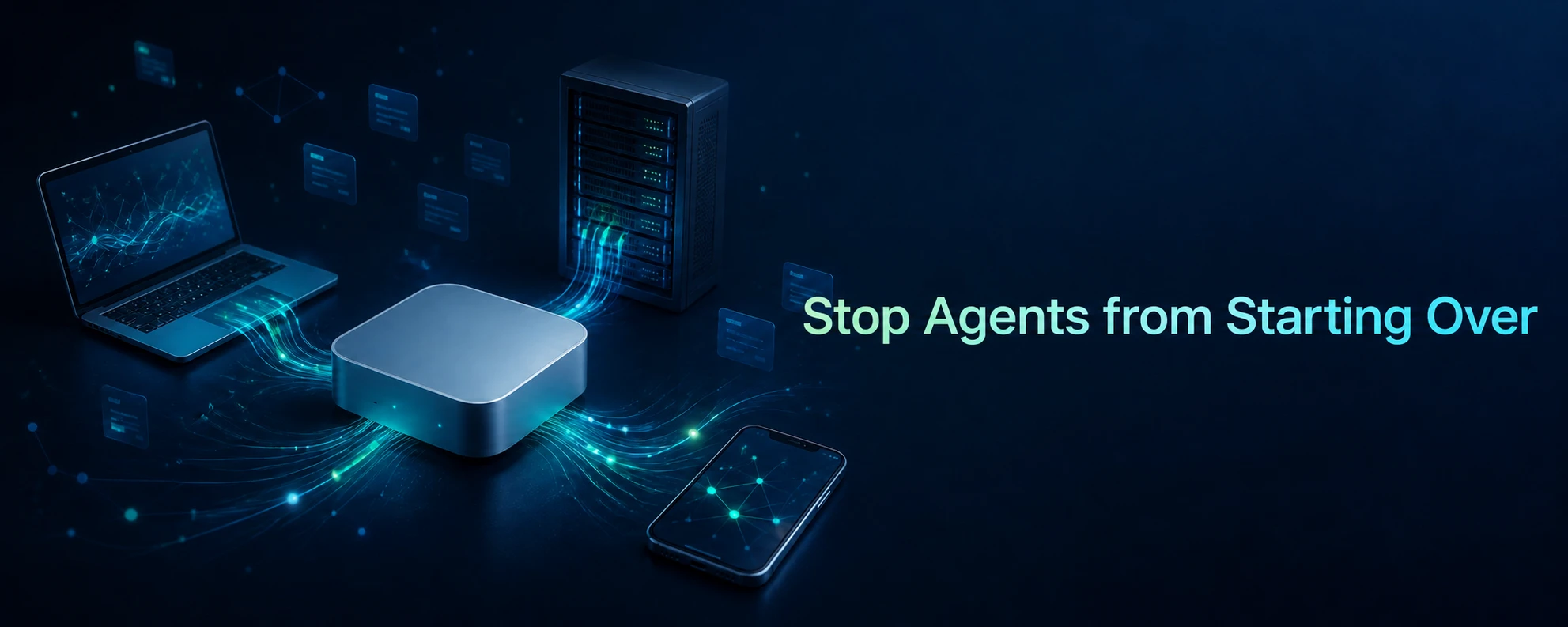
I move between several work environments. On my MacBook, Claude Code is open while I write features; a Linux server runs Codex and automation jobs; my phone catches ideas as they occur. The problem is not that any one session ends. It is that things I have already worked out keep disappearing: project conventions, trade-offs I have made, lessons from past mistakes, and lines of thought I have not yet finished. Whenever I change machines, models, or agents, I get asked the same questions again. I know where the answers are, but I still have to explain them all over again to another tool.
Nowledge Mem fills that role. It is not a replacement for a notes app. Instead, it gives every connected tool access to a working memory that persists: decisions, reference material, takeaways from conversations, and the relationships among them all come back to one place. An agent can retrieve existing context and continue the task at hand instead of treating every conversation as an island. I keep the data on a machine I control, then connect my other devices and tools to it. Memory is no longer tied to a particular client or scattered across machines whenever I close a laptop or restart a computer.
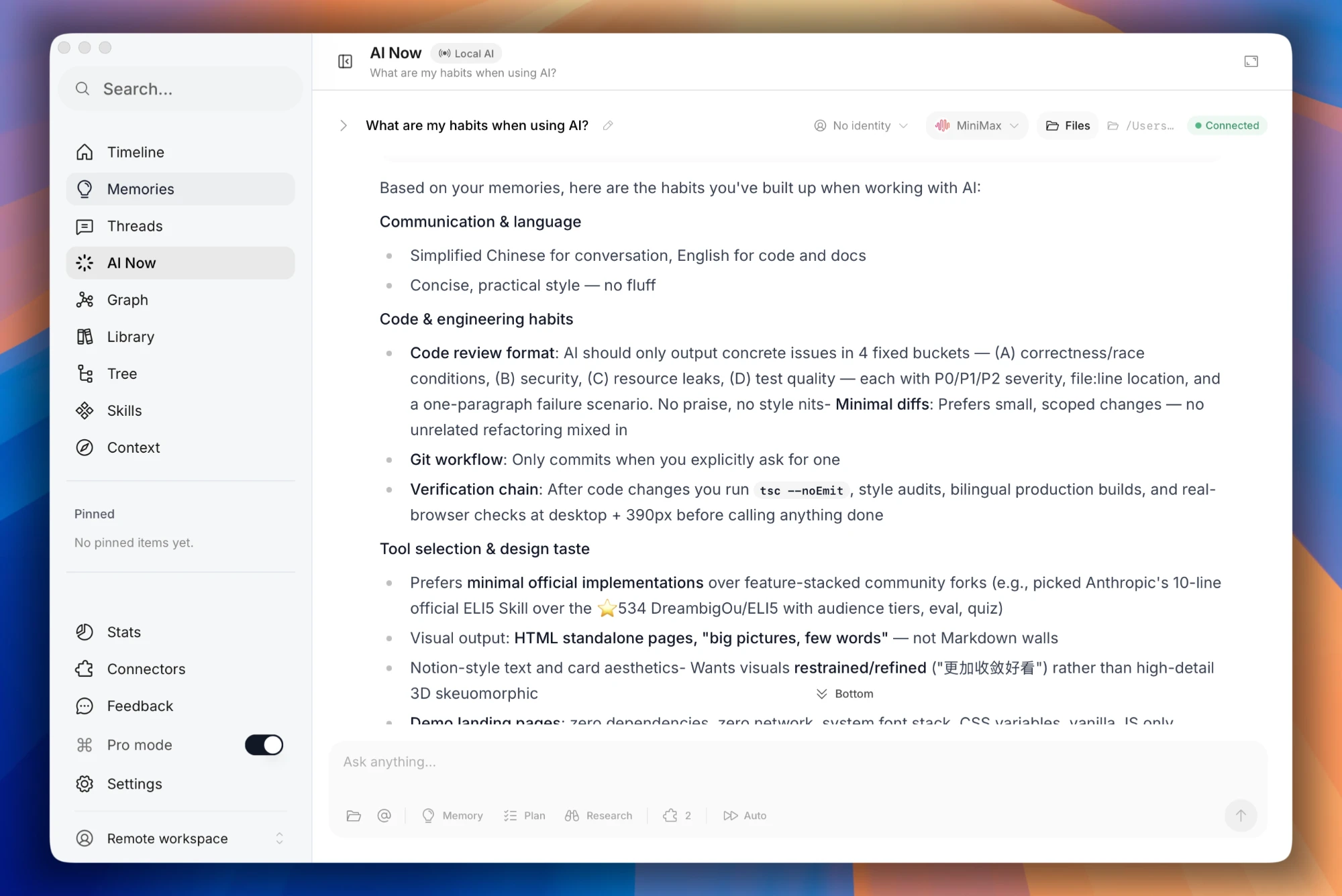
Mem is straightforward to get started with: install it, then connect your tools. Through MCP, agent plugins, and the browser extension, it can connect to a wide range of agents and LLM chat tools and bring their conversation history into Mem. You can then see those sessions in Mem, although it takes time for them to become memories.
But that is not the focus of this post. The real question is what happens across multiple devices: when several machines are running LLM chats and AI agents, how can all of their memory be kept in one place? I want Codex on my laptop to know about a decision I made last week in OpenClaw on a remote server, and I want to ask ChatGPT Voice on my phone which projects I worked on yesterday.
One hub, many clients
Pick one device that stays online and make it the hub; every client connects to that single instance. Memories, conversations, the library, and the knowledge graph live on the hub, and every client reads and writes the same backend data — so there is no question of which machine holds the newest version.
That also draws the boundary of what this is for:
- To migrate devices or keep an offline copy, use export, import, and backup.
- To have your devices and agents keep working from the same context, run one always-on Mem instance and turn on Access Anywhere.
My hub is a Mac mini. It stays powered on, making it a good place to store the data and run work that depends on continuous context. The MacBook, the Linux server, and my phone connect as needed.
Three ways in, pick what fits
Remote access requires a reachable URL and an API key. Nowledge Mem offers three ways to set this up. They differ mainly in whether the address is stable and how much configuration work you want to take on.
| Method | Suits | Address |
|---|---|---|
| Nowledge Link | Already subscribed to Plus or Max and want minimal network setup | A stable *.nowledge-mem.com address |
| Quick link | Testing the setup for the first time or enabling short-term access | A random *.trycloudflare.com address |
| Cloudflare account mode | Already have a domain on Cloudflare and plan to use it long term | A fixed address on your own domain |
I use Cloudflare account mode, but I recommend starting with Quick link and connecting the MacBook, Linux server, and phone first. Once you have confirmed that they can all reach the instance, decide whether Nowledge Link or your own domain is the better long-term fit. This keeps the network, client configuration, and agent integration from becoming debugging variables at the same time.
Verify with the CLI first
With the hub URL and API key in hand, configure nmem on another Mac or Linux machine:
nmem config client set url "https://your-mem-address"
nmem config client set api-key "the-key-starting-with-nmem_"
nmem status
When nmem status reports a healthy connection, you know the CLI is using the client configuration stored on that machine. Per the official docs, integrations such as OpenClaw, Bub, and Claude Code can reuse this same connection configuration. For scripts or CI, use the NMEM_API_URL and NMEM_API_KEY environment variables, and store the credentials in the system keychain or your CI secret store.
Details that are easy to miss when configuring
- In Cloudflare custom-domain mode, the host service address is
http://127.0.0.1:14242. Do not append a path. - In the desktop app, host installation, and Docker image, Mem manages its bundled
cloudflaredfor you. There is no separate sidecar to maintain. - Some corporate networks, campus networks, and VPS providers block UDP/QUIC. If that happens, Mem retries over HTTP/2; on a headless server, you can also force TCP with
TUNNEL_TRANSPORT_PROTOCOL=http2. - LAN access and remote access share one API key. Rotate the key and the old one stops working.
- A Cloudflare account-mode hostname cannot have a browser-only challenge enabled — I’m Under Attack mode, for example. See this GitHub Issue.
- After connecting to the remote instance, check that your agent’s MCP endpoint points to the remote address rather than the default
http://127.0.0.1:14242.
Remote access also raises the security bar
Making your knowledge base remotely accessible means handling convenience and access control together. I follow a few simple rules:
- Quick link is for testing. Long-lived entry points use Nowledge Link or a Cloudflare domain you control.
- Rotate the API key immediately if a device is lost, temporary access is no longer needed, or you suspect the key leaked.
- Never put the key in a repository, shell history, or job logs. Scripts and CI read it from a restricted environment variable or a secrets manager.
- Manage the tunnel, the URL, and the key only on the hub machine itself. The Access Anywhere management API is restricted to local calls by design.
- Close the tunnel when you do not need remote access for a while, and reduce your exposure.
- Sometimes disconnecting the network or cutting the power is much faster than asking an agent to trace exactly where a key leaked.
Let memory stay in the workflow
For me, the real value of Nowledge Mem is not simply having another searchable memory store. It is no longer having to repeat the same background every time I move between devices. A decision I made on the MacBook, a task Codex completed, or a note I added from my phone all become part of the same growing memory.
That value takes time to emerge. Keep using it, and the result may exceed your expectations.
Memory takes time to build.
About the author
Xudong Guo is a Linux Foundation APAC open source evangelist and Education SIG Chair, and an executive committee member of the CCF Open Source Development Committee, working to advance the open source ecosystem and open source education.
He was named to the 2023 China Open Source Pioneers 33 list and holds both Microsoft MVP and Alibaba Cloud MVP titles. He is also a maintainer of the CNCF projects KubeVela and ChaosBlade.
He writes the WeChat public account “云原生之路” (The Cloud Native Road), where he shares hands-on experience with DevOps, open source, and cloud-native technology. His goal is to connect technology with people and help developers grow in the cloud-native era.